
Read on if you want to learn exactly how to turn articles into videos.
Look, we all know the power of YouTube and video as a whole.
According to the most recent video marketing data, 86 percent of marketing professionals utilize video as a marketing technique. [1]
But with most PLR packages that you buy, videos are not part of the deal.
Usually, it’s articles, maybe an ebook, a few images and some social media quotes thrown in for good measure.
Nothing wrong with that.
But if you want videos, what can you do?
How can you take a PLR article and turn it into a video?
Especially if you do not want to appear on camera.
Well, read on as that is what we will cover in this blog post.
Finding Premium PLR Content
The first step is to get an article or articles that you can use as a base.
Here at Video Content PLR we release 2 premium packs per month.
Each pack has 10 HD videos, along with scripts and audios you can use to make your videos.

Turn Articles into Videos – Steps Involved
If you have some PLR articles on your computer from elsewhere, here’s what do.
It starts with the script, or the words of the video.

The Script
First, you will need to take your article and re-write it so that it is fit for video.
The easiest way to do this is to use Quillbot.

But that is not enough as it’ll still be written for a blog.
So you’ll need to manually edit it.
This includes a spoken intro and outro especially for video.
Things like ‘in the video today’ and ‘thanks for watching and please subscribe to our channel’.
And making sure words like ‘post’ are replaced with ‘video’ so that it makes sense.
The process should not take more than 10-15 minutes.
There is no way to 100% automate this to a high level.
The Audio/Voiceover
To get this done by a professional can cost a lot.
For our video content PLR packs, this is the most expensive element to create.
So, to save money you can use a free software called Audacity.
It works on all devices and all you need to do is press record and read the scrip aloud.
You can then download an audio file in either .WAV or .MP3 to your computer.

Avoid all text to speech auto tools.
They are not good enough for the most part and it’s much better to use a real voice.
The Video
So, now you have the script and the audio, you need to create the video.
Doing it this way also means you never have to reveal your face or even your name.
This involves a number of simple steps and it is easier to show you.
Make sure you have these things ready:
- The scripts
- The audio file
- Royalty free image sites
Enjoy this video walkthrough of the process.
Once the video has been made, you download it at 1080P onto your computer.
Assuming you want to upload it to YouTube, you’ll need a thumbnail
Note: If you want, you can paraphrase the article on Quillbot again and use all or part of it as the video description to save time.
The Thumbnail
Here is the YouTube thumbnail I made for the above video.
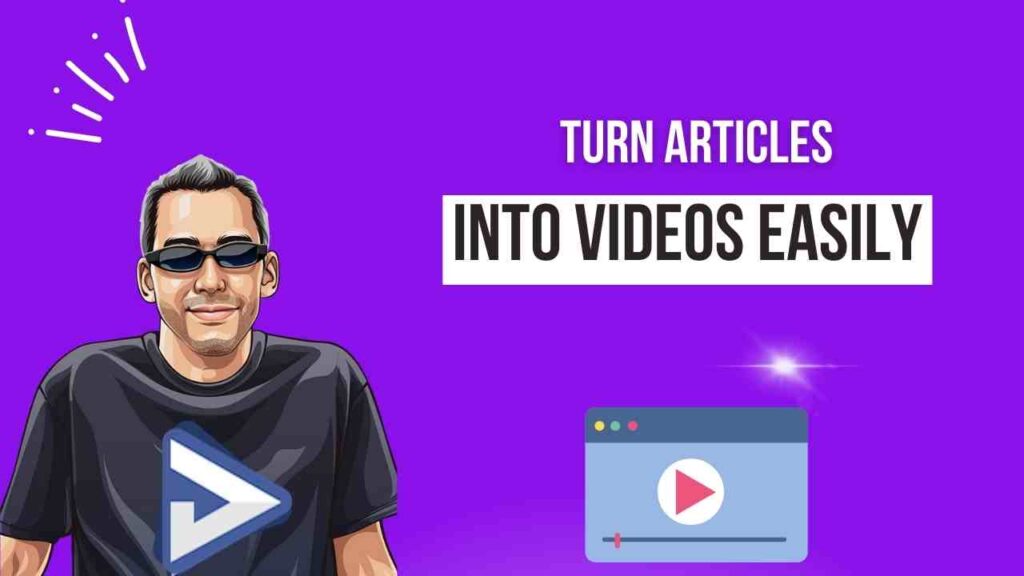
This was made using Canva Pro.
I’m no graphic designer but it was super easy to make this.
I would go as far as to say Canva Pro is one of the top investments I have ever made.
Like Quillbot, I use it almost everyday.
Final Words
As this post and video have shown, it’s not hard to turn articles into videos.
And by doing this, you can really get a better bang for your buck with all your PLR articles.
What’s more, do not think you have to upload them to YouTube.
You can use Bunny.net and simply embed them on your site.
Rich media helps with SEO and Google loves it.
In addition, you can improve your bounce rate by keeping people on posts longer as they watch videos.
Thanks for reading, and we hope you enjoyed this post.