

Knowing how to rebrand PLR is vital in this day and age.
We buy Private Label Rights content as it saves us time.
One of the things we can do with it is to sell it at a price point of our choosing.
But before we get to that, we must rebrand it so that it’s unique.
This post will show you how you can rebrand a PLR Ebook quickly and easily without any design skills.
Let’s delve in.
Rebranded PLR is everywhere
The next time you visit your supermarket, take a few minutes to look at the shops own label.
What you’ll find is the supermarket does not actually create these items themselves in a laboratory or factory.
Instead they buy from a third party, slap their own name and branding on them.
Then, they sell as their own.
This is PLR in the real world.
So, it happens everywhere.
Why You Should Rebrand?
First of all, you do not HAVE to rebrand your PLR ebooks.
You can use them as is and:
- give them away for goodwill
- use them as lead magnets
- use them as an affiliate promotion bonus
- take bits of them and use in emails or social media
- sell them (on certain platforms)
That said, if you do not rebrand PLR, then you have the exact same product as everyone else that bought.
Which is not fine IF you want to sell them as your own.
So, as a buyer, you need to consider rebranding your PLR, particularly ebooks.
Doing so will:
- Enable you to sell on Amazon Kindle
- Allow you to list for sale on Gumroad
- make your content unique
- add value to it
- Improve your personal branding
How to Rebrand PLR
If you are a video content PLR member, then all our recent packs come with a fully researched and well-crafted ebook.
With any Ebook, you can edit the contents using something like Quillbot.

The title too.
However, you really need a new cover and that is where some people struggle.
Not everyone is good with tools like Photoshop.
Which means many people ignore this part.
But, you can do all sorts of amazing graphic design without any skills if you use Canva.
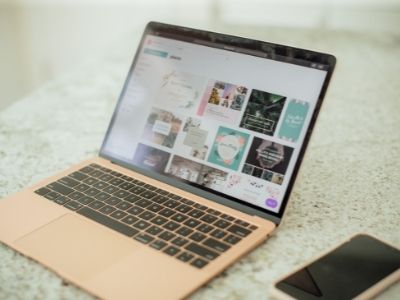
We really love Canva for all sorts of graphic based tasks.
None more so than taking a PLR ebook and rebranding it.
But you cannot use Canva alone.
We will also use a third party PDF editor called Sejda.
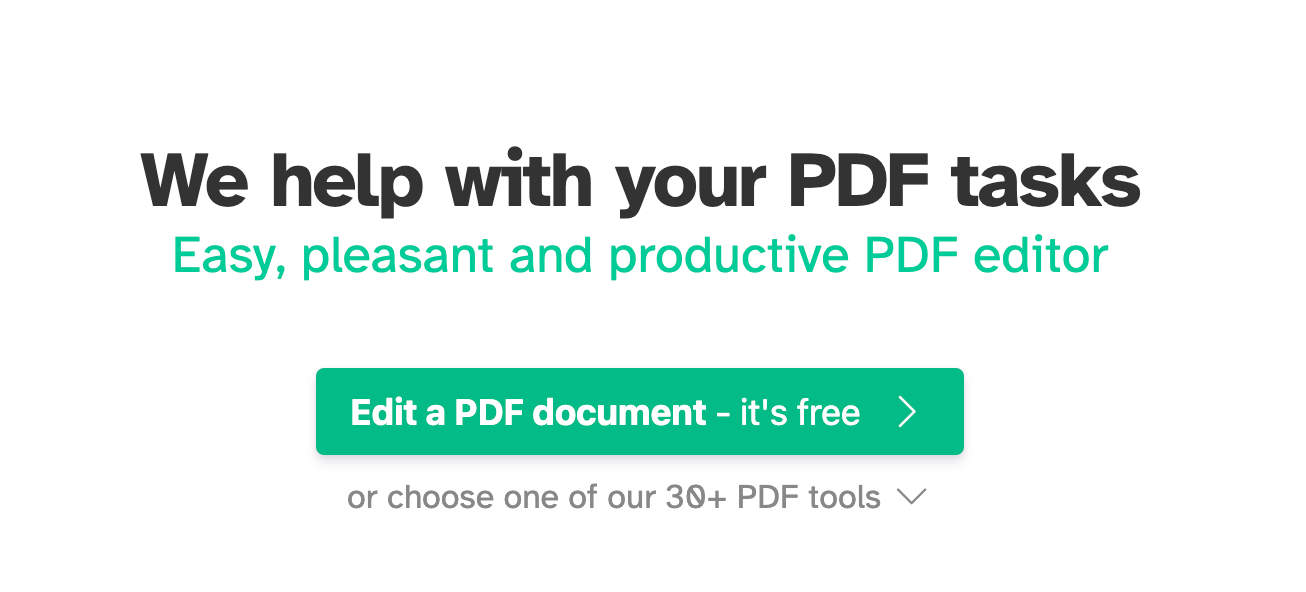
Which, you’ll be glad to know, is free.
This will allow us to remove the original cover, and add our new cover.
Then download the new Ebook.
Video Walkthrough – How to Rebrand PLR
As the video above showed, Canva makes it so easy to create an Ebook cover.
We can use any of their templates and add photos or graphics.
They have a lot of fonts too that you can choose from.
Once you have one created to your liking, you can download it as either a .PNG opr .JPEG file.
Next, upload the branded ebook to Sedja, remove the original cover and replace it with your newly created one.
Then download your new PDF.

If you want to, you can do a bunch more edits before downloading.
This is a simple process.
Canva Pro is a monthly cost (and 100% worth it), but you can use Sedja for free.
Before You Go
First of all, you now know how simple it is is to rebrand any kind of PLR using a few simple tools.
You can get your PLR ebooks here.
And after rebranding them, do as you wish.